Leaf Laser Engrave File: A Practical Evaluation for Makers
The Leaf Laser Engrave File represents a specific category of digital assets designed to streamline the creation of organic, nature-inspired patterns on various materials. Unlike vector-based cut files, this resource is a raster image optimized specifically for the dithering and grayscale capabilities of modern laser engravers. For hobbyists and professionals alike, understanding the technical specifications and practical applications of this file type is essential before integrating it into a production workflow. This evaluation examines the utility, limitations, and optimal use cases for high-resolution leaf designs intended for laser marking.
Understanding the Leaf Laser Engrave File Format
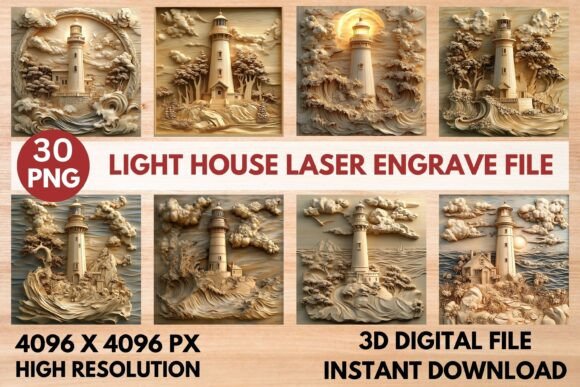
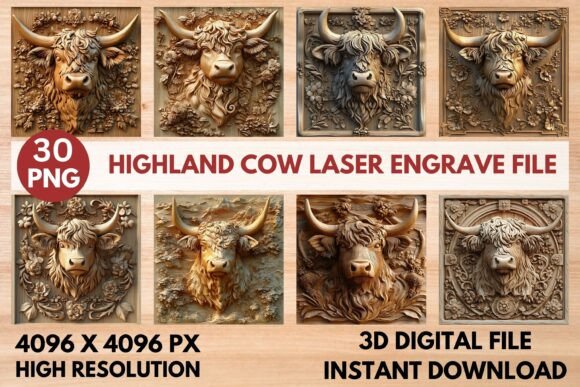
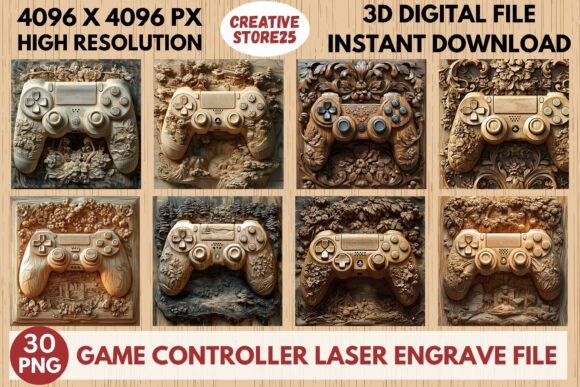
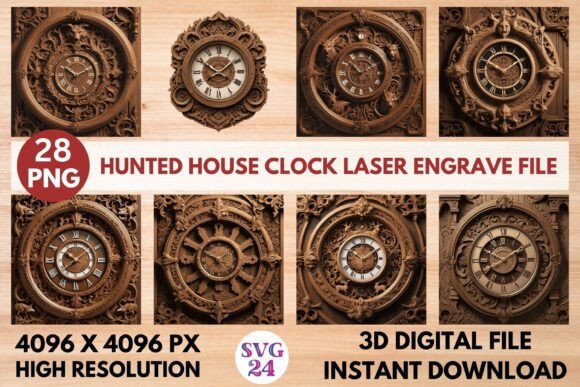
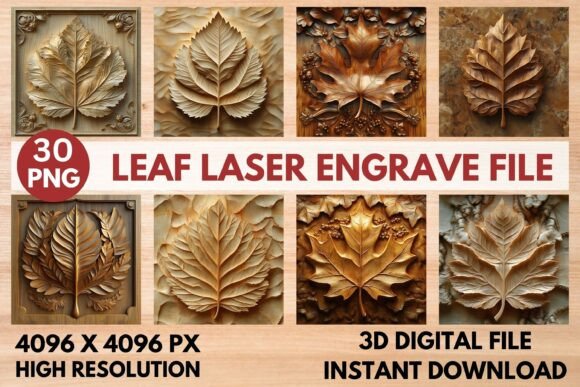
At its core, the Leaf Laser Engrave File is a collection of PNG (Portable Network Graphics) images. These files are distinct from SVG (Scalable Vector Graphics) or DXF files commonly used for cutting shapes out of material. While vectors define lines and paths for the laser to trace or cut, PNGs utilize pixel data to simulate depth and shading through varying levels of power or frequency. The specific set in question includes both grayscale versions, which rely on the machine's ability to interpret tonal values, and coloring versions that offer visual variety for design planning.
The resolution of these files is a critical factor in their performance. With dimensions of 4096x4096 pixels, the Leaf Laser Engrave File provides a high density of information. This resolution ensures that when the image is processed by software like LightBurn or Glowforge, the resulting engraving retains fine details such as leaf veins and texture without appearing blocky or pixelated. However, because these are raster files, they are not infinitely scalable in the way vectors are; resizing them beyond their native resolution can lead to a loss of clarity.
Key Applications and Creative Potential
The versatility of a high-quality leaf design lies in its adaptability across different substrates. The primary appeal of this Leaf Laser Engrave File is its suitability for creating home décor items, such as wall art on wood panels or personalized coasters. The intricate detailing allows for realistic textures that mimic natural foliage, adding an aesthetic value that simple line cuts cannot achieve.
Beyond home goods, these files are effective for stationery, textiles, and tableware. On textiles, the file can be used with specialized laser settings to create etched patterns on fabrics like denim or leather. For packaging, the design offers a premium look that can elevate product presentation. Additionally, the inclusion of coloring versions allows creators to visualize how the design might appear with ink overlays or on colored materials before committing to the engraving process.
Evaluating Benefits and Tradeoffs
Adopting the Leaf Laser Engrave File offers several distinct advantages, particularly regarding ease of use and visual output. The primary benefit is the "ready-to-print" nature of the asset. Users do not need to spend hours manually adjusting node points or converting vector shapes into raster patterns. The files come pre-optimized with transparent backgrounds, allowing for immediate placement within design software.
However, there are tradeoffs to consider. The most significant limitation is that these files are not editable in the traditional sense. If a user needs to alter the shape of a leaf, change the arrangement, or combine elements with other vector graphics, they cannot do so directly within the PNG file. They must work around the fixed image or use external photo editing software, which adds complexity to the workflow. Furthermore, while the resolution is high, the physical size of the final engraving is constrained by the pixel count relative to the desired DPI (dots per inch). Enlarging the design too much will result in visible pixelation.
Compatibility Considerations
One of the strengths of this file set is its broad compatibility with popular laser systems. It is designed to work seamlessly with LightBurn, Glowforge, xTool, Sculpfun, and various CO2 laser cutters. Each platform handles raster data differently, requiring specific configurations to achieve the best results.
- Glowforge Users: The recommended settings suggest using a speed of 1000 mm/min with a power of 90, utilizing grayscale vary power and max quality. An LPI (Lines Per Inch) of 270 is advised to capture fine details, particularly on light wood.
- LightBurn Users: To maximize the potential of the grayscale PNGs, applying a Jarvis dithering filter is often necessary. This algorithm helps distribute the dots effectively, creating smoother gradients and reducing banding artifacts.
It is important to note that results may vary based on the material being engraved. Light woods generally yield the highest contrast and detail, whereas dark woods or metals may require significant adjustments to power and speed to ensure visibility.
Situations Where This File Is a Strong Fit
The Leaf Laser Engrave File is an excellent choice for makers who prioritize speed and photorealistic texture over structural customization. It is ideal for small batch production where consistency is key, as the digital file ensures every piece looks identical. It is also well-suited for beginners who want to achieve professional-looking results without the steep learning curve associated with vector design or manual shading techniques.
If your goal is to produce items like greeting cards, decorative plaques, or branded merchandise quickly, this resource aligns perfectly with those objectives. The inclusion of both grayscale and colored options provides flexibility for testing different color combinations on paper or fabric before moving to permanent materials.
When to Consider Alternatives
Despite its benefits, there are scenarios where a Leaf Laser Engrave File may not be the optimal solution. If a project requires precise cutting of the leaf shape alongside the engraving, a vector file (SVG or DXF) would be more appropriate. Vectors allow the laser to cut the outline cleanly while potentially engraving the interior details, a dual-action task that raster files cannot perform alone.
Furthermore, if the design needs to be scaled significantly larger than the standard print sizes, the fixed resolution of the PNG might become a bottleneck. In such cases, commissioning a custom vector illustration or sourcing a higher-resolution vector alternative would prevent quality degradation. Finally, for users who require full creative control to modify the anatomy of the leaves or integrate them into complex layouts, a layered vector format remains superior to a flat raster image.
Practical Decision-Making Insights
Before acquiring a Leaf Laser Engrave File, it is crucial to assess your specific hardware capabilities and project requirements. Ensure your laser machine supports grayscale engraving at the recommended settings. Test the file on a scrap piece of the intended material first, paying close attention to the contrast and detail retention. Remember that this is a digital download only; no physical product is shipped, and the files are not layered or editable in vector software.
Ultimately, the decision to use this file depends on balancing the desire for high-detail, textured imagery against the need for scalability and editability. For projects focused on surface decoration and rapid prototyping, the Leaf Laser Engrave File offers a robust, efficient solution. For projects demanding structural precision or extensive modification, exploring vector alternatives may provide a better long-term fit.